Unzip the factory image and change directories into it
unzip blueline-factory-2020.03.04.16.zip && cd blueline-qq2a.200305.002/
Run the flash script to flash the image to your Pixel.
sudo ./flash-all.sh
Wait for it to flash, may take a long time.
NOTE: I ran into issues with the script as my version of fastboot was old. SEE PROBLEMS HEADING BELOW
Relock bootloader
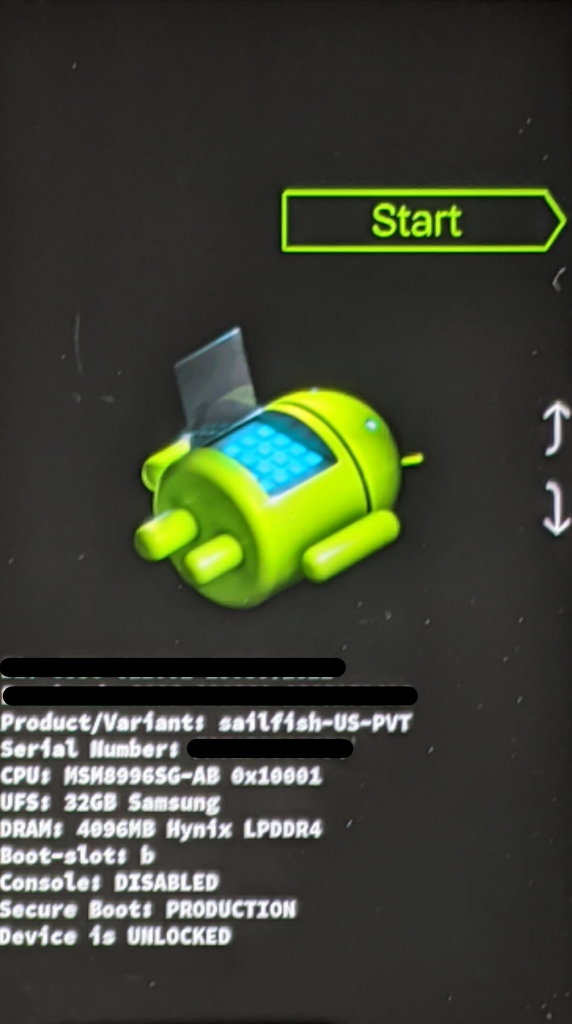
Boot back up into the recovery menu and lock the boot loader with
fastboot flashing lock
Problems
I ran into issues running the flash-all.sh script. My version of fastboot was old. Ended up downloading a newer version and calling all the commands in the script manually.
Phone seemed to randomly time out or just hang when trying to run something over fastboot. Unplugging and plugging the phone back in and rerunning the command seemed to resolve the problem.
After thats complete, you can untar it. Change Desktop to the path you want to extract to.
tar -xvf ~/path/to/backup.tar -C ~/Desktop/
This website stores cookies on your computer. These cookies are used to provide a more personalized experience and to track your whereabouts around our website in compliance with the European General Data Protection Regulation. If you decide to to opt-out of any future tracking, a cookie will be setup in your browser to remember this choice for one year.